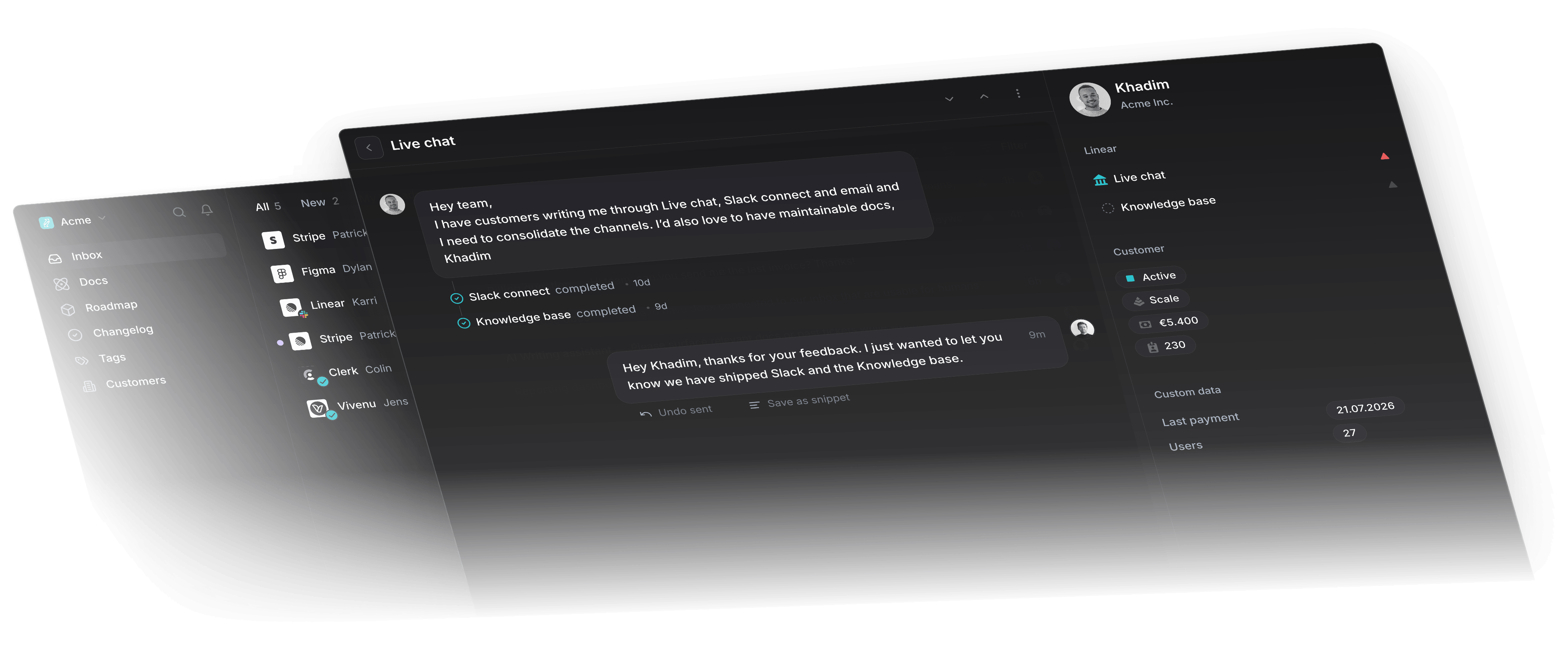
Most B2B customers are already in Slack all day. Asking them to open a ticket portal instead adds a step they will skip, which is why so many support requests arrive in a shared channel anyway.
Slack was built for internal teams, but it works as a support channel too. Here is what you get from it, where it falls short, and how to set it up.
What is Slack?
Slack is a messaging tool where a team's conversations and files live in one searchable workspace. The name stands for Searchable Log of All Conversation and Knowledge.
Slack Connect extended that outside the company. You can open a channel with a partner, a vendor, or a customer, and they join from their own Slack workspace.
Benefits of using Slack for customer support
- Customers reply in seconds: A question that would take three email round trips gets settled in one exchange, because the customer is already in the app.
- The right colleague is one mention away: Pull an engineer into the thread instead of relaying the answer back and forth yourself.
- Conversations sound human: Emoji reactions acknowledge a message without a formal reply, which suits a channel more than a ticket queue.
- Feature requests reach the roadmap: Productlane picks up feedback from a Slack channel and files it against a Linear issue, so the request survives past the thread.
- It connects to what you already run: CRMs, ticketing systems, and status pages all have Slack apps.
- Channels map to how you work: One per customer, or one per product area, plus workflows for the repetitive replies.
How Slack changes the customer's experience
- They get an answer the same hour: Whoever is online picks the question up, so the reply does not wait on one person's queue.
- It reads like a conversation: Names, emoji, and short messages set a friendlier tone than a ticket template does.
- They keep the history: The customer can search the channel for what your team told them last quarter, in their own workspace.
- There is nothing to learn: A B2B customer already lives in Slack, so asking for help costs them one message.
Ways to use Slack for customer support
Connect your CRM
An agent reading a question should see the plan, the renewal date, and the open issues for that account in the same window. Most CRMs have a Slack app that posts this into the channel.
Route live chat into a channel
Point your website chat widget at a private Slack channel. The support team answers from Slack, and the customer sees it in the widget.
Automate the replies you send every day
Slack workflows handle the acknowledgements: a message that arrives at 11pm gets an immediate note saying when someone will pick it up.
Put your help articles where people ask
Pin the troubleshooting guides, setup videos, and escalation contacts to the channel. Half the questions get answered by a link.
Bring in the rest of your stack
Issue trackers, CRMs, and deploy bots all post into Slack. Every tool an agent has to open in a browser tab costs a few minutes per reply.
Turn messages into tickets
A Slack thread is easy to lose once it scrolls. Productlane turns a message in a customer channel into a Linear issue, and posts back to the thread when engineering closes it.
Getting your support team on board
Say who owns what
Write down which channels each agent watches and who they escalate to. An open channel with no named owner is where requests go quiet.
Agree on how you write
Slack invites a looser tone than email. Decide as a team how casual is right for your customers, and where the line sits on emoji, abbreviations, and out-of-hours replies.
Give agents room to decide
An agent who has to ask permission for every refund is slower than the channel promises. Set a limit they can act within, train against real threads, and review the hard ones together.
FAQ on using Slack for customer support
Is Slack good for client communication?
Yes. Quick questions get settled in a message or two, and the channel keeps a searchable record both sides can go back to.
Can you use Slack as a ticketing system?
Yes, with integrations like Productlane that turn Slack messages into tickets through Linear, Jira, and Github.
Can Slack be used as a CRM?
We would not run it as your only CRM. Slack has no record of an account that persists once a thread scrolls away. It works well alongside one.
Customer support for Linear
- Customer support built for companies using Linear
- An AI agent that fully resolves customer tickets
- A help center that writes itself from your threads